Record
Capture the swing that matters. Use stable framing and a consistent camera angle to create a reliable starting point.
Welcome to My Ultimate Swing — your personal swing intelligence system designed to help you rediscover, refine, and repeat the swing that performs at your best.
This guide walks you through the full My Ultimate Swing method: calibration, recording, building your reference library, comparing swings, reviewing metrics, and turning insight into repeatable progress.
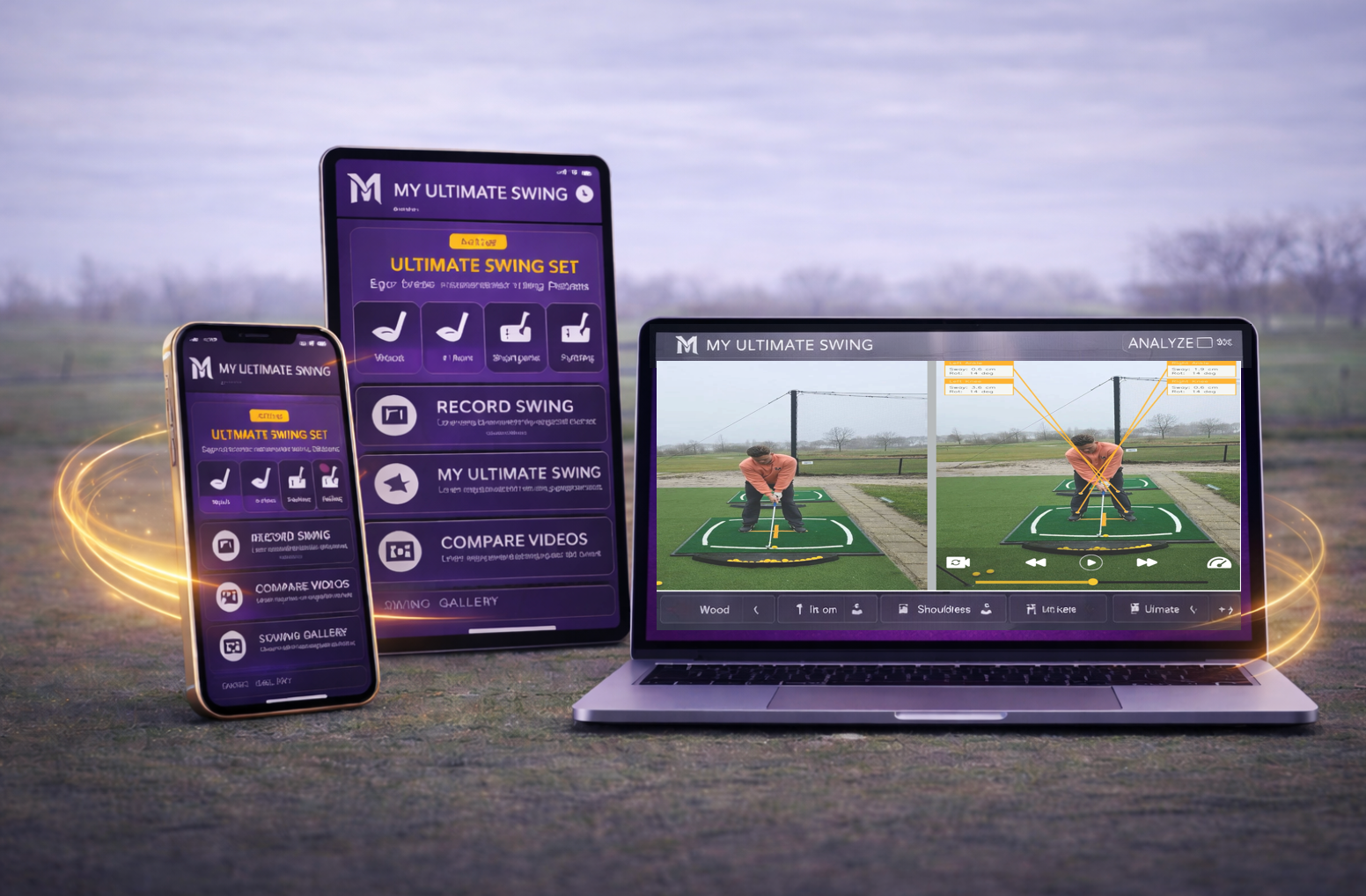
Use the home screen to move naturally through your training flow. My Ultimate Swing is built to help you record, save, compare, analyze, gain insight, and repeat with purpose.
A short visual preview of how My Ultimate Swing guides you from recording to repeatable improvement.
Capture the swing that matters. Use stable framing and a consistent camera angle to create a reliable starting point.
Store your strongest swings as personal reference points. This is the foundation of meaningful comparison.
Place your latest practice swing next to your saved reference to spot changes in tempo, posture, and path.
Use frame-by-frame review, playback speed, and tracked body areas to isolate where your movement changes.
Turn visual cues and measurable deviations into clear understanding of what changed and what to repeat.
Record again, apply the lesson, and keep refining your personal swing blueprint through purposeful repetition.
Before recording your first swing, confirm the settings that directly affect analysis accuracy. This essential calibration improves first-session accuracy, builds trust in the analysis, and reduces misleading comparison results.
This short guide explains why handedness, skill level, and measurement settings matter for accurate comparison feedback and reliable swing analysis.
Handedness ensures My Ultimate Swing interprets your swing correctly. If this is set incorrectly, your analysis may appear reversed or misleading.
Skill level sets the tolerance range used during comparison. This helps My Ultimate Swing determine whether movement differences are meaningful for your current playing level.
Set meters, yards, feet, or centimeters now so your feedback matches your training environment from the start.
Other settings such as camera preference, focus areas, deviation units, reminders, storage, export, and subscription can be reviewed after your first successful recording and comparison.
Position your mobile camera approximately 3 meters from your practice mat with enough space and lighting before you begin. Tap Record Swing on the main dashboard, align inside the framing box, and start the capture countdown.
This short guide shows how to frame your swing, start the countdown, accept or retake the video, and prepare the clip for comparison.
Tap the red record button to begin the countdown, then make your swing inside the capture window.
When recording finishes, accept the video with the checkmark or retake it using the refresh icon.
Choose front view for stance and ball position checks, or side view for posture and swing-plane review.
Save your best performance to My Ultimate Swing Gallery for master references, or use Swing Gallery for general training history.
Tag the swing correctly by club category so future analysis stays relevant and comparable.
Your master reference library should reflect the best version of your current swing. Keep one high-quality reference per club type you train most often, and replace outdated references only when a newer swing shows clear improvement.
Keep one strong master reference for the clubs you train most, then refresh only when a clearly better pattern appears.
Use the filter icon to move through woods, irons, short game, and putting references.
If a gallery is empty, record a new master reference from the center record icon and tag it correctly.
As your balance, timing, and strike improve, update the old reference with a better current model.
Each club creates a unique movement pattern. Store a dedicated best swing for each category you train.
Select your master swing first, then choose a recent practice swing from your Swing Gallery. Once both are selected, tap Compare to run the motion algorithm and generate synced visual and metrics-based insight.
This short guide shows how to select your Master Reference, choose a practice swing, process the comparison, and move into synced review or metrics.
Choose the saved reference that represents your best current movement pattern.
Pull a filtered recent clip from Swing Gallery to compare against your master reference.
My Ultimate Swing processes the selected focus areas from your settings and returns synced video and metrics options.
Use Synced Video for visual cue review, or switch to Metrics for measurable numerical deviation feedback.
The synced video screen lets you see your master reference on top and your practice swing below. The control bar is the engine for technical analysis, helping you scrub, pause, slow down, and magnify exactly where movement shifts begin.
Move forward or backward along the timeline to stop at key checkpoints like top of backswing or impact.
Watch both swings in unison to compare overall tempo, rhythm, and movement sequence.
Use 0.75x, 0.5x, and 0.25x to see errors the eye cannot catch at full speed.
Swap from visual cue dots to instant visual data feedback when you want more precise detail on deviation.
Metrics transforms visual swing differences into precise numerical feedback. It helps you understand how far movement changed, whether it remains within tolerance, and which changes are meaningful.
Dot View helps you visually track body movement. Grid View turns movement into measurable data feedback.
Track head movement drift relative to your saved reference.
Review upper-body turn consistency through key checkpoints.
Measure changes in hand travel through the swing sequence.
Track spine angle changes to help maintain posture and efficient motion.
Identify unwanted lateral movement relative to your master swing.
Observe knee motion and flex patterns for stability and pressure transfer.
Measure foot position, such as turned in or turned out, to assess setup alignment and swing influence.
Start with the first body segment that moves outside tolerance, not the last visible error. In many swings, the earliest deviation is the true cause, while later changes are often compensation.
The quality of your analysis begins with the quality of your capture. Small changes in camera height, angle, or distance can create false movement differences that reduce comparison accuracy.
Position your phone about 3 meters behind or beside the practice area and keep that distance repeatable.
Record from the same approved viewpoint for each club category so your comparisons remain meaningful.
Make sure head, shoulders, hands, hips, feet, and club path through impact remain visible.
Use even lighting and avoid strong backlighting, harsh shadows, and dim environments.
Always tag the correct club category so the comparison logic stays aligned to the right motion pattern.
Use a tripod or flat support whenever possible. Camera shake can be misread as body sway.
Repeat the same phone height, camera distance, viewpoint, club category, mat position, lighting, background, and ball-position line as often as possible. The more repeatable the environment, the more trustworthy the comparison becomes.
Your best swing is never built in a single session. It is built through repetition, reflection, and intentional practice. Use your latest My Ultimate Swing insight to choose the drill that supports your next improvement phase.